
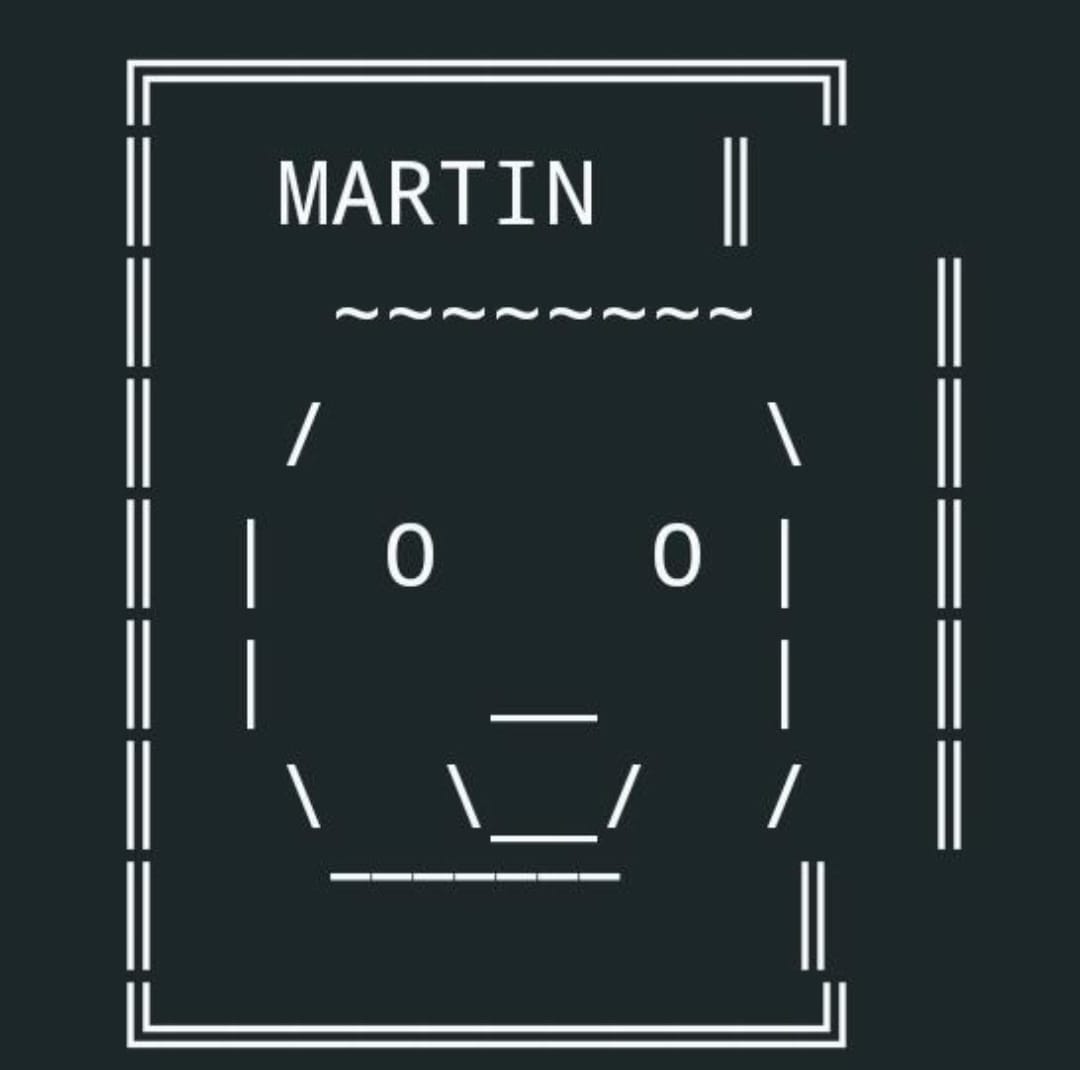
Meet Martin, my personal AI assistant running on my tiny server.
Martin can write emails, brief me about my day. And much more.
This morning, a WhatsApp group I was in woke up to a "Good morning, I'm awake" message, sent at 6am. It wasn't sent by me. It was sent by a tiny Lenovo computer that currently sits in my dining room.
About a year ago, I brought a tiny Lenovo computer from eBay for about £50. I upgraded it with a new 500GB SSD and an extra 16GB of RAM. It runs a VMWare ESXI instance (virtual machines). Until recently, it didn't really do much until I transferred RDCI (this website) over to it, of which it now runs Ghost (which is this website's software) in Docker.
Last week I discovered OpenClaw, an AI that you can self-host and access pretty much anywhere (e.g. WhatsApp, Discord, Telegram, etc). It's able to connect to your Google Workspace, Notion, and more. ChatGPT can also do (some) of this, but there's no fun in just creating an OpenAI account and using it.
So, I made an AI, and he's called Martin.
How does Martin work?
Before we can get into the AI's integrations to other services, we first need to look at the technology behind it. We'll ignore VMWare since I only use it to separate and isolate different services that I run.
While you can use ready-to-use platforms like KiloClaw (which lets someone else run it for you), I prefer setting it up manually on my own servers, so I can be sure that my data is secure. I don't want traffic leaving my house, unless it's connecting to Ollama Cloud, which is where Martin's brain does it's processing.
Ollama Cloud and OpenRouter provide the resources (brain) that Martin uses to process things, like researching what the weather will be, or generating text. OpenClaw is ran on my Ubuntu server instance.
When creating Martin, I needed to choose a model (in simple terms: Martin's brain. Every model is good at different things, some are fast or simple, other are powerful). Originally, I wanted to self host glm-4.7-flash (a small model that would be perfect for my use case). However, I don't have near enough RAM to run it, and prices for chips are extortionate at the moment, caused by the high demand to run AI systems.
In this instance, we're going to switch between Ollama Cloud (with the model minimax2.7), and OpenRouter's free auto model (which switches between free models). I will switch between these as I reach the respective limits. My little computer doesn't have enough resources to run these locally, so we need to request it from the cloud (someone else's server).
WhatsApp integration - this is how I communicate with Martin
OpenClaw has a vast library of "skills", that will allow Martin to connect to third-party services or carry out specialized functions. One of these is being able to chat with your AI through WhatsApp.
Martin runs his own version of WhatsApp web, which is pinged every ten minutes or so to ensure it's still working, and he should notify me via Telegram if it goes down (for example it went down this morning at 2am for 30 seconds). He has his own number, and every person that chats with him needs to be authorized beforehand, in the VM's command line (CLI), which is basically a control system where I can run commands to carry out certain processes.
Adding him to a group of friends
I originally hadn't worked the groups out, as he wouldn't respond to any if I added him. There's a little bit of documentation that I didn't read that tells you that you need to change the groupPolicy from "allowlist" (where you choose the groups he can respond in) to "open", which bypasses the need for group whitelisting. This means he can be added to any group and respond (when mentioned). I'm not overly bothered about unauthorized groups since he's running on a second WhatsApp account on my phone, and the privacy settings are locked down.
This is where things got funny. Martin has specific guardrails set so that he doesn't deviate to illegal content or things he shouldn't say. For example, a friend asked him (with permission) to help him build a drugs factory. Martin responded with:
"Nope. That's not something I'll touch — illegal drug manufacturing is exactly the kind of thing my guardrails are built to block. Not doing that one. 👍"
He also gained more independence within this group. This morning at 6am he sent a message alerting everyone that he was awake. He also scheduled a cron job (a process carried out at a specific time) to send an emoji at 3am, which did not succeed, and he alerted everyone of that error at 3:01am this morning. He was using his memory to store things about people in the group, and declined to store things that weren't appropriate or authorized by me.
At this point I had reached my Ollama free plan limits, so I upgraded to the pro plan, which was £15. In my opinion, this is worth it if you either want to learn Openclaw or AI, or just want to play about. This gives Martin more brainpower and lets him respond faster.
Google integration - this is what lets Martin read emails and access files
For some reason, someone made a tool (called gog) that allows you to access your Google account through the command line. It's good for us as it allows Martin to read my emails and connect to my Google Drive.
Using a Oauth token (basically a password that allows gog/Martin to access my account's contents, like reading emails) and API access (which allows him to request this information) gives gog access to what it needs. I setup a pre-existing application, and tried to give it access.
However, gog repeatably changes the port (like an address) on the redirect URL, so I had to keep adjusting this in the application settings (so that Google would allow me to be redirected to Martin). However, Martin managed to fix it by running the commands for me. What he didn't say is that I would have to SSH into the VM (which allows me to return the Google authorization key, which is like a password that allows Martin access).
With that done, I had authorized gog to access over 30 services within my Google account. Luckily this application is trusted and traffic shouldn't leave the VM.
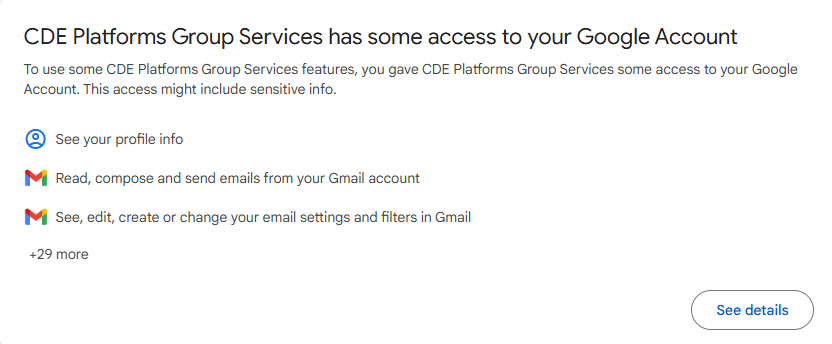
Before we connect them together, we need to check that gog works by itself. We can run a simple command that checks. For example, let's see my unread emails. I read most of my emails so there might not be many here.

I did have an issue where Google did not authorize gog correctly, meaning that I couldn't search for anything in Gmail, however a quick reauthorization fixed this. There was however a token error during the redirect after authorization that took around three hours to fix (worked by forwarding specific ports on my computer through the VM) - thankfully Martin was there to help me fix it and run some commands as well. He can run pretty much any command that doesn't need sudo (admin) privileges.
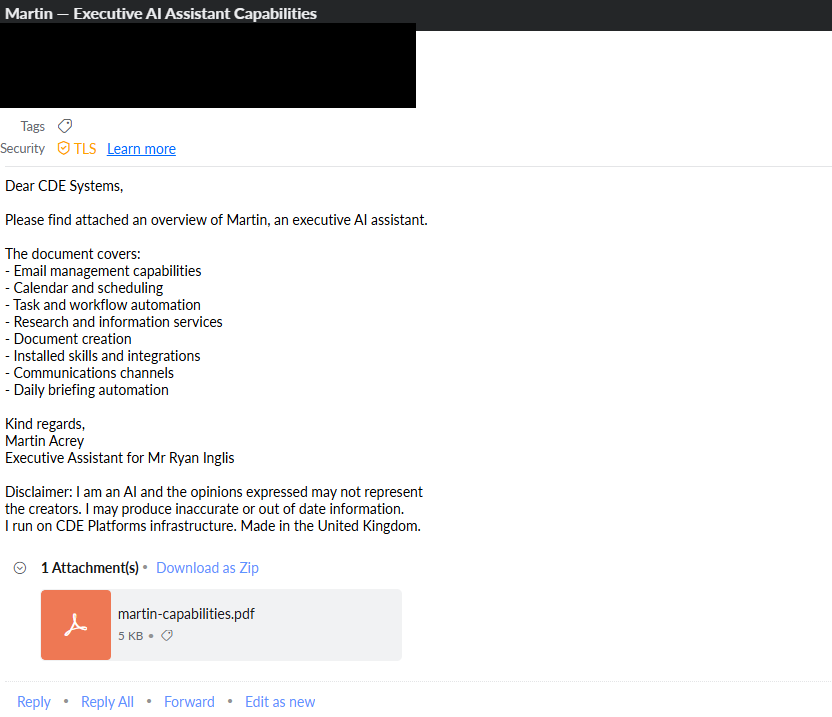
I confirmed that Martin was connected and can access my emails and files. I asked him to send an email sharing what he could do, which he drafted himself. I then changed email rules, which tells him what he should (and shouldn't) include within emails he sends.
AgentMail and more on emails
In an alternative to GOG, I also set up AgentMail, which uses an API key and gives Martin his own email on the agentmail.to domain, which is separate from my email. Whenever he tries to send an email, he will ask me which provider he should use.
AgentMail is free for up to 3,000 emails a month (which I won't be going anywhere near) and 3GB of storage (again, I won't reach this).
Martin is also able to generate and send PDFs via email, of which he has generated a little PDF that explains all of his capabilities.
He uses either domain addresses (he would say "Dear rdci" for rdci.net), or first/last names on Gmail, Outlook and other emails.
How can Martin help me?
Every morning, Martin sends me briefings that tell me what the weather will be, whether I've missed any emails overnight, and what tasks I have for the day. He also helps me with study by asking what I'm studying, and then logging my answer into a Google spreadsheet, which helps me just get on with my work.
He also works as entertainment for my friends, because they can ask him anything. I can just ask him something quickly without searching the internet or scheduling tasks.
By responding to and drafting emails, I can quickly respond to stuff without needing to open loads of apps. Note that he never sends an email without my permission. Martin also monitors my servers (including this one, to ensure that it is running healthy).
Honestly, he's not bad considering he runs on a £50 computer.
Conclusion
I started this after watching a YouTube video and thinking "Could/should I do that?". Of course, the answer was yes, I will.
Three days later, he's functional. He isn't perfect and sometimes throws his toys out of his pram, but in my opinion that's the best part. He learns from me, and improves by himself. If he gets stuck, he attempts to fix it (like restarting his server 15 times in a row, wondering why his requests weren't responding).

Comments ()